SAP SE93: Understand what a transaction code actually starts
A manufacturer's support team uses a custom transaction for operational order review and needs to identify its actual start object and parameters.

Source review:
START HERE · NO PRIOR TOPIC KNOWLEDGE NEEDED
What it is. Why it matters.
A transaction code is a shortcut to an SAP task. SE93 shows how that shortcut is defined, helping explain why two similar entry points can run different logic.
Completely new to SAP?
Manufacturers use SAP to connect work such as buying components, recording inventory, planning production, shipping equipment and accounting for costs. SAP S/4HANA is an enterprise resource planning system: it connects these activities through shared business data.
ABAP is SAP’s programming language for business applications. A program reads data, applies rules and produces a result. Start with the objects involved before investigating code.
A transaction code, or t-code, is a shortcut to a task in classic SAP GUI. Fiori apps provide another way to work. Names and screens depend on the product and release; you do not need a live system to learn the concepts in this guide.

Scope and source-review notes
Scope and evidence
Source review by FAST SAP SOLUTIONS® editorial. This badge describes our editorial review; it does not represent SAP certification or independent endorsement.
Classic ABAP SE93 transaction definitions; exact transaction types, fields and startup behavior depend on backend release.
Primary documentation reviewed on 14 November 2026 using readable full text and official indexed excerpts. Official report/parameter pages were read in full and OO behavior through indexed SAP text; historical paths must be checked against the installed release. Definitions and tests are fictional and unexecuted.
A MANUFACTURING EXAMPLE
Identify the factory report behind a shortcut
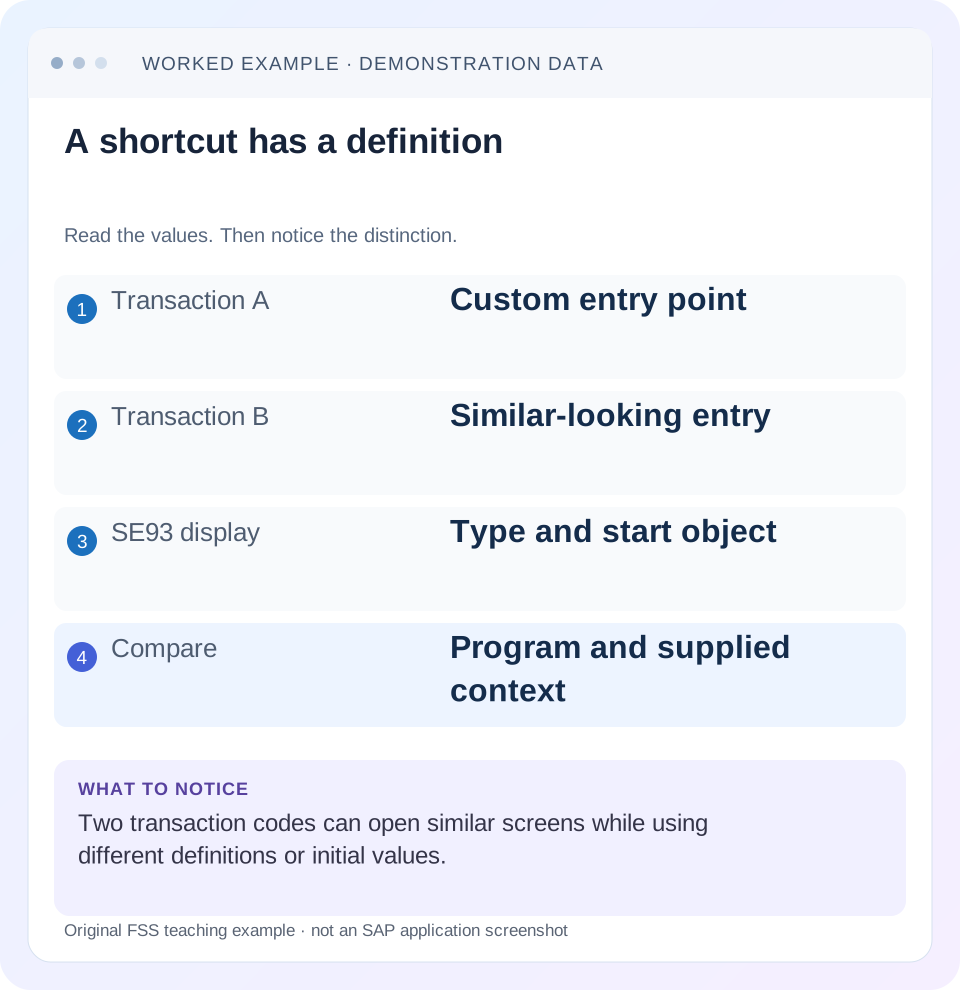
A shortcut has a definition
Read the example values
- Transaction A
- Custom entry point
- Transaction B
- Similar-looking entry
- SE93 display
- Type and start object
- Compare
- Program and supplied context
Words you’ll meet in this guide
- Program
- A set of instructions executed by a computer.
- Class
- A reusable unit that groups data with operations called methods.
- Database
- Organized information kept beyond one program execution.
- Internal table
- A list of rows held temporarily in an ABAP program’s memory.
- Key
- One or more fields used to identify or find a record.
- ABAP
- SAP’s programming language for business applications.
- Fiori
- SAP’s approach to business application design.
- API
- A defined interface through which programs exchange data or request actions.
- GUI
- Graphical user interface. SAP GUI is a desktop interface used for many classic SAP tasks.
Preview the practical steps
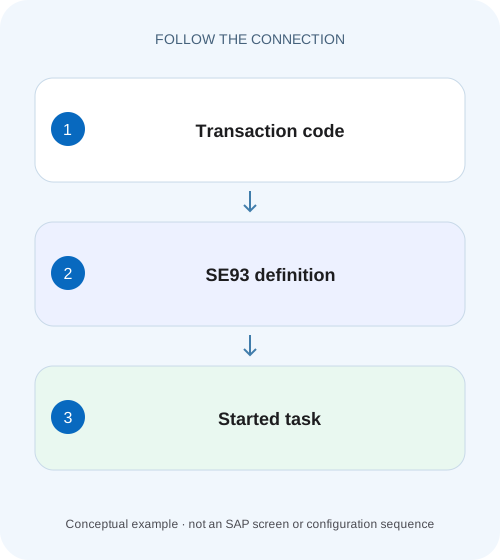
SEE THE CONNECTION
See it in a simple example.
A small example to make the idea concrete.
Identify the factory report behind a shortcut
A manufacturer's support team uses a custom transaction for operational order review and needs to identify its actual start object and parameters.
A transaction code is a start definition, not necessarily a report name
Use SE93 to inspect what a classic ABAP transaction code starts.
Scope, access and prerequisites
This guide addresses classic ABAP transaction maintenance and documented transaction types.
Read the type before interpreting the target
For a report transaction, the target is an executable program and associated selection-screen context; SAP documents support for selecting a starting screen and variant.
Identify the factory report behind a shortcut
A manufacturer's support team uses a custom transaction for operational order review and needs to identify its actual start object and parameters.
Read the transaction definition before assuming the displayed shortcut directly names the program that performs the work.
| Reader | Business question | Evidence to carry forward |
|---|---|---|
| SAP developers and application teams supporting manufacturers | Identify the factory report behind a shortcut | Read the transaction definition before assuming the displayed shortcut directly names the program that performs the work. |
01 A transaction code is a start definition, not necessarily a report name
Use SE93 to inspect what a classic ABAP transaction code starts. Depending on its type, it can start a dialog program and screen, an executable report with selection context, another transaction with predefined parameters, a transaction variant or a class method. Two codes can therefore open similar applications while supplying different starting conditions. [1] [2] [3]
The first diagnostic step is to compare those definitions before assuming the application has two different business algorithms. This tutorial follows a fictional pair of order-review transactions and distinguishes startup defaults from application validation, authorization and Fiori navigation.
02 Scope, access and prerequisites
This guide addresses classic ABAP transaction maintenance and documented transaction types. Available definition fields and execution behavior depend on backend release and transaction category. It does not define launchpad catalogs, target mappings or application-router routes; those are separate navigation layers even when they eventually launch a classic transaction.
Use authorized display access and retain the affected system/client and exact code. You should understand an executable program, a screen and a selection variant. Inspect before executing, since a transaction can start a write-capable business process. The worked definitions are fictional and no transaction is created or changed by this article.
03 Read the type before interpreting the target
For a report transaction, the target is an executable program and associated selection-screen context; SAP documents support for selecting a starting screen and variant. A dialog transaction identifies a program and initial screen. A parameter transaction starts another transaction with predefined initial-screen values. These target fields mean different things and should not be flattened into a single “program behind the code” answer. [1] [2]
Variant transactions use a transaction variant, which can affect the supported screen flow. OO transactions start a method under their documented constraints. Inspect the actual type shown in the affected system and follow its applicable documentation. A transaction code resembling a program name does not prove that the two names identify the same repository object. [3]
04 Worked case: ZORD_REVIEW and ZORD_1000
Imagine report Z_ORDER_REVIEW with company-code and date selections. Fictional transaction ZORD_REVIEW starts that report with its ordinary selection screen. ZORD_1000 instead uses a parameterized entry to a supported review transaction and supplies company code 1000. The user notices that one path asks for a company code while the other appears to proceed directly.
The observable difference may be startup input, not a removed validation. Record the effective company code, date and mode at the first business-processing boundary for both paths. If both reach the same application logic with identical effective inputs, they should be compared as the same business operation. If one supplies another date or mode, the resulting document population can legitimately differ.
| Property | ZORD_REVIEW | ZORD_1000 |
|---|---|---|
| Type | Report transaction | Parameter transaction |
| Target | Z_ORDER_REVIEW | Supported base review transaction |
| Initial input | User-selected company/date | Company 1000 predefined |
| Visible symptom | Selection requested | Initial flow may be skipped |
| Business proof needed | Effective runtime inputs | Same inputs and validation path |
05 Inspect definitions in a repeatable order
Open each code in SE93 in display mode. Record transaction type first, then its target object, initial screen or selection context, variant and supplied parameters as applicable. Keep technical field names and values when they are relevant, rather than summarizing them as “defaults.” A blank value can be meaningful and should not be silently omitted from the comparison.
Follow the target object in the appropriate repository tool. If the definition points to another transaction, inspect that second definition as well so the chain is complete. For a report, inspect the selection parameters and initialization/defaulting logic. Runtime input can also depend on application logic or user context, so SE93 alone may not explain every final value.
Make the comparison concrete with a disposable read fixture: D1 belongs to company 1000 on 1 November, D2 to company 1000 on 2 November, and D3 to company 2000 on 1 November. With company 1000 and a 1–2 November range, both entry paths should select D1/D2. If the parameter entry supplies only 1 November, D1 alone is a legitimate difference. Record the effective selection immediately before the report reads documents, rather than concluding that the wrapper lost D2.
For a definition change, retain a before/after worksheet containing transaction type, target, maintained parameter names, values and referenced variant. In the target system, compare that worksheet with the active definition and the effective runtime inputs. This catches a correct code transport paired with an old variant or another target transaction. Keep the test read-oriented when the question is only which population the entry point supplies.
Record both definitions
Capture type and target in the affected system.
Expected observation: The startup mechanisms are distinguished.
Follow any wrapper target
Inspect the referenced transaction or program rather than stopping at the outer code.
Expected observation: The complete entry chain is known.
Compare effective business inputs
Observe company, date, key and mode before processing in a controlled case.
Expected observation: Visible-screen differences are tied to actual data.
Check application outcome
Compare selected document identities and validation messages.
Expected observation: Startup and business behavior are separately verified.
06 Understand parameter transactions without overinterpreting skipped screens
SAP documents parameter transactions as a way to preassign values on an initial transaction screen, with screen hiding possible under the documented prerequisites. The actual startup flow depends on the target and maintained values. Do not infer that any arbitrary screen can be skipped or that hiding it eliminates backend checks. [2]
A default is also not necessarily a restriction. If company code 1000 is prefilled, determine whether the user can change it later and whether backend authorization limits remain in force. A convenience entry point should not be described as enforcing company isolation merely because its first visible field has a familiar value.
07 Keep variants and application validation distinct
A report selection variant supplies a reusable selection context for the report. A transaction variant concerns supported transaction-screen behavior. They are related convenience concepts but not interchangeable artifacts. Read the actual transaction definition and variant reference instead of asking only whether “a variant” exists.
If the business requires a mandatory external reference, implement or use the supported business validation at the appropriate application boundary. Hiding a field, preassigning a value or skipping a screen is not a substitute. Test the operation through every supported entry path, including any API path, because UI startup choices cannot establish a complete business-data invariant.
08 Authorization has more than one boundary
A user may be allowed to start a transaction but still lack authorization for a company, document or business action inside it. Conversely, a startup failure can occur before business logic is reached. Retain the exact failure and point in the flow. Do not resolve a business authorization rejection by changing transaction defaults without understanding the security model.
The reviewed report-transaction documentation describes an additional authorization-object association in the definition. Its presence does not replace the application's own checks. For the fictional 1000 entry, verify that an unauthorized company cannot be processed through a direct transaction, another parameter entry or the backend operation used by the application. [1]
09 Troubleshooting similar screens with different results
Choose a branch from the observed difference. The same screen title can hide different startup values, while different transaction codes can converge on identical processing.
| Observation | Question | Next evidence |
|---|---|---|
| One code skips selection | Parameter or variant startup? | Type and supplied values |
| Different document counts | Are effective company/date filters identical? | Runtime input and selected identities |
| Code starts another code | Is there an uninspected wrapper chain? | Referenced transaction definition |
| Start succeeds; action fails | Application validation or authorization? | Exact business message and input |
| Launchpad tile fails before startup | Is intent resolution or loading broken? | Launchpad target and browser request |
| Works in development only | Definition or target transport differs? | Active object/version comparison |
10 Design a controlled navigation comparison
Use a read-oriented test path where the application supports it. For ZORD_REVIEW, enter company 1000 and the same date range supplied by ZORD_1000. Record the first business key and complete selection result. Then repeat with a different permitted company through the general entry point and explain which difference is intentional.
If testing a write-capable path is necessary, use approved disposable data and stop before posting when the question is only startup. Do not create business documents merely to prove that two entry codes reach the same screen. For uncertain previous writes, reconcile persistence before repeating the action. Entry-point diagnosis should remain proportional to the actual symptom.
11 Verification across defaults, rejection and boundary values
A positive check confirms both entries reach the intended target with equivalent inputs and the same expected result set. A negative check uses an invalid or unauthorized selection and verifies the application's supported rejection. A boundary check examines an omitted optional field, an initial date or a parameter value no longer valid after a configuration change.
Also verify transport completeness in the target system: transaction definition, target program and any referenced variant must be coherent. An entry code can import successfully while its intended dependent context differs. Record actual observations separately from the fictional case. This article does not claim a universal screen number, default or tested customer navigation flow.
12 Frequently asked questions
How do I find the program behind a transaction? Read its type and target in SE93, then follow wrappers or class-method targets as needed. Some codes do not directly identify one executable report.
Does skipping a screen bypass validation? Not by itself. Inspect the effective input and application checks; the visible navigation is not enough evidence.
Should I edit a standard transaction to supply my team's defaults? Use the supported customization or customer entry-point design for the actual product, with reviewed ownership and transport handling.
Why does the Fiori tile fail while the code works in SAP GUI? The launchpad adds intent resolution, target mapping and loading layers. Use the related Fiori troubleshooting lesson before changing a working classic transaction definition.
Related services and next steps
Primary sources
Found this useful?
Share this guide with your network, or leave a like.
Your like is saved in this browser.