SAP HCM personnel area and subarea: Organizational structure with payroll implications
A manufacturer's HR analyst needs to understand personnel area and subarea assignments for employees working across plant locations.

Source review:
START HERE · NO PRIOR TOPIC KNOWLEDGE NEEDED
What it is. Why it matters.
Personnel areas and subareas organize employees within SAP HCM. Their assignments influence relevant personnel and payroll-related rules, so they are more than descriptive labels.
Completely new to SAP?
Manufacturers use SAP to connect work such as buying components, recording inventory, planning production, shipping equipment and accounting for costs. SAP S/4HANA is an enterprise resource planning system: it connects these activities through shared business data.
SAP HR applications manage employee-related records and processes. A record’s subject, validity dates and access permissions all matter before it is read or changed.
A transaction code, or t-code, is a shortcut to a task in classic SAP GUI. Fiori apps provide another way to work. Names and screens depend on the product and release; you do not need a live system to learn the concepts in this guide.

Scope and source-review notes
Scope and evidence
Source review by FAST SAP SOLUTIONS® editorial. This badge describes our editorial review; it does not represent SAP certification or independent endorsement.
Conceptual guide using the linked SAP product documentation. Confirm the product, release, deployment model and customer configuration before applying operational details. Historical or product-specific references support the concept; they do not establish universal screen paths or settings. HR examples use no real employee data and are not country-specific payroll or employment advice.
Reviewed relevant official SAP indexed documentation excerpts on 14 November 2026. Examples, identifiers, amounts and expected observations are illustrative; no customer SAP execution was performed. Transaction availability, labels and results depend on the installed release, deployment and local configuration.
A MANUFACTURING EXAMPLE
Read the workforce organization of a factory
Follow the organizational assignment
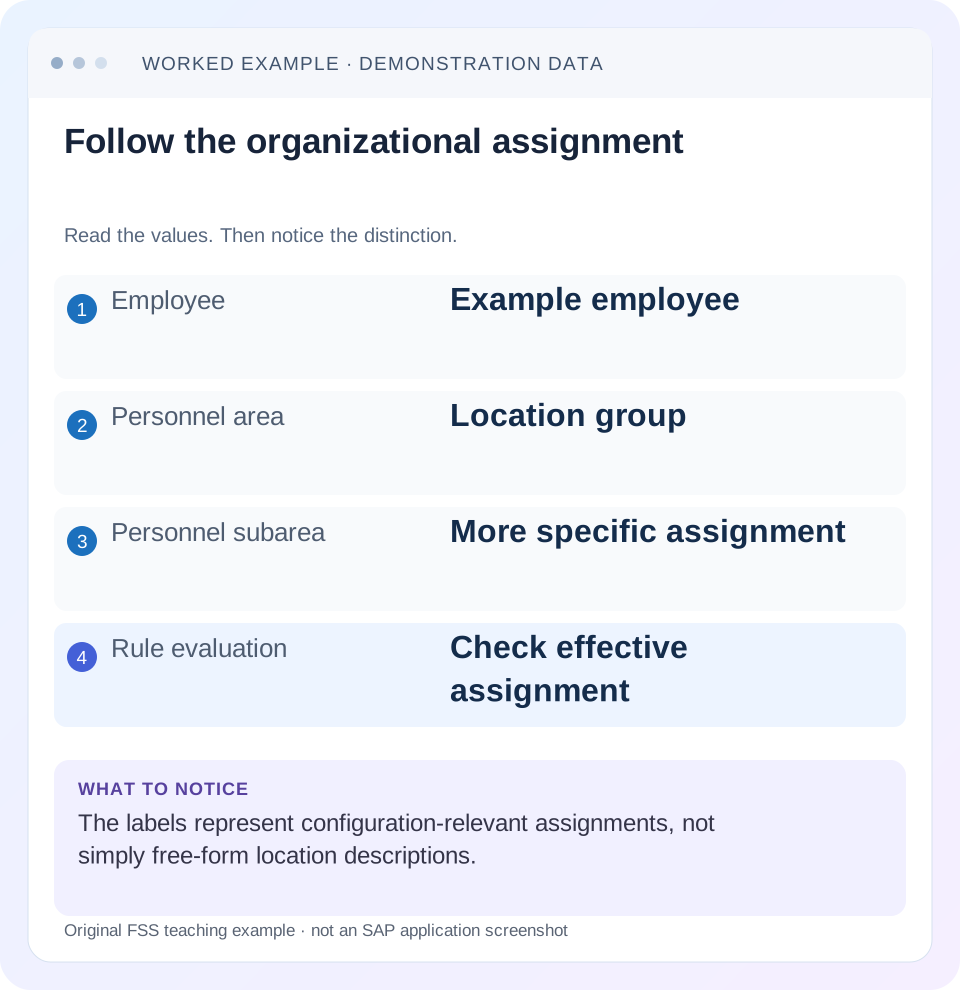
Read the example values
- Employee
- Example employee
- Personnel area
- Location group
- Personnel subarea
- More specific assignment
- Rule evaluation
- Check effective assignment
Words you’ll meet in this guide
- Employee record
- Stored information about a person’s employment.
- Validity
- The dates during which a record applies.
- Payroll
- The process that calculates an employee’s pay.
- HANA
- SAP’s database platform.
- HCM
- Human Capital Management: SAP software for employee-related information and processes.
Preview the practical steps
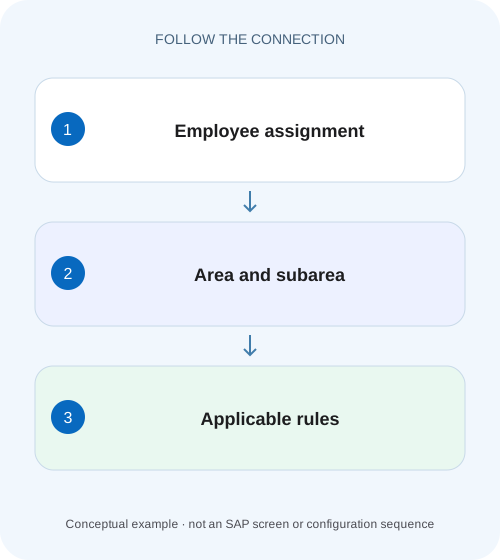
SEE THE CONNECTION
See it in a simple example.
A small example to make the idea concrete.
Read the workforce organization of a factory
A manufacturer's HR analyst needs to understand personnel area and subarea assignments for employees working across plant locations.
Personnel areas and subareas carry HR control meaning
A personnel area is an HR enterprise-structure unit assigned to one company code.
Separate enterprise structure from organization and payroll grouping
Company code, personnel area and personnel subarea describe an administrative enterprise context.
Read the company-code relationship
A personnel area is assigned to one company code in the documented enterprise structure.
Read the workforce organization of a factory
A manufacturer's HR analyst needs to understand personnel area and subarea assignments for employees working across plant locations.
Read the configured organizational relationships and applicable payroll implications without treating the labels as production-planning objects.
| Reader | Business question | Evidence to carry forward |
|---|---|---|
| Plant HR, time and payroll application teams | Read the workforce organization of a factory | Read the configured organizational relationships and applicable payroll implications without treating the labels as production-planning objects. |
01 Personnel areas and subareas carry HR control meaning
A personnel area is an HR enterprise-structure unit assigned to one company code. Personnel subareas divide it and carry relevant groupings for processes such as time management, work schedules and pay-scale defaults. These fields are more than a site description: changing them can change which rules and values apply to an employee. [1] [2]
This guide is for Personnel Administration, time/payroll analysts and integration teams using classic SAP HCM or supported HCM for S/4HANA. Country-specific control features and derivation depend on the actual configuration. You need authorized Organizational Assignment 0001 and relevant grouping/calendar display. All employees, organization codes and calendars below are fictional; the example does not prescribe employment terms, statutory holidays or a country payroll setup.
02 Separate enterprise structure from organization and payroll grouping
Company code, personnel area and personnel subarea describe an administrative enterprise context. An organizational unit or position describes another part of the organizational plan, while payroll area groups payroll processing. Similar names do not make these dimensions interchangeable. An employee can remain in the same payroll cycle while moving to another time-rule grouping. [1] [2]
SAP documents that personnel-area/subarea assignments and related groupings support personnel, time and payroll controls. Therefore a report for a physical building can need a separate definition from a report by personnel area. Establish the business question before inferring a field from a location name. A remote employee’s office address does not automatically identify the correct administrative assignment.
03 Read the company-code relationship
A personnel area is assigned to one company code in the documented enterprise structure. Several personnel areas can belong to a company code. That relationship preserves the financial organizational context; it should not be inferred from the first digits or description of the area code. [1] [3]
For an assignment issue, capture the actual personnel area and configured company-code relationship, then compare the employee’s relevant effective record. If the requested transfer crosses company codes, it can be a broader employment/accounting event than a subarea change. Identify the supported personnel action and downstream process rather than patching a display field to make the new site appear.
04 Understand groupings as rule selectors
SAP describes personnel-subarea groupings that help determine permissible time data and work-schedule structures, public-holiday calendar and relevant pay-scale defaults. A grouping can be shared by several subareas, so different subarea codes do not necessarily imply different rules. Conversely, similar descriptions can conceal different groupings. [2]
When a value is rejected or a calendar differs, identify the exact rule dimension. “Subarea wrong” is a hypothesis. The actual issue can be a wrongly maintained grouping, a record evaluated on the wrong date or a work-schedule assignment that does not match the approved design. Read the active grouping and relevant configuration before changing an employee’s organization.
05 Worked case: transfer within one personnel area
Fictional personnel area A100 belongs to company 1000. It has subarea D100 for a declared day-work grouping and N100 for another approved work arrangement. P100 transfers from D100 to N100 effective 1 December 2026. The payroll area remains M1 in this teaching case, demonstrating that subarea and payroll grouping are separate decisions.
Assume the local design maps D100 to calendar CAL_A and N100 to CAL_B and uses different permitted absence-group labels. These are fictional configuration inputs. The investigation must establish the old/new dated assignment and the actual relevant grouping before predicting a time-entry or calendar result.
| Date/context | Company/area/subarea | Declared rule context |
|---|---|---|
| Through30 November | 1000 / A100 / D100 | CAL_A and permitted group A |
| From1 December | 1000 / A100 / N100 | CAL_B and permitted group B |
| Payroll area in both intervals | M1 | Same processing calendar in this example |
| Organizational department | Separate dimension | Cannot be inferred from subarea label |
| Required verification | Old and new dated records | Rule selection must match effective assignment |
06 Trace a rejected absence entry to its applicable grouping
Suppose an absence type used under group A is not permitted under the declared group B after 1 December. Do not change P100 back to D100 merely to make the old entry value selectable. First determine whether the employment transfer, new grouping and requested absence event are correct. The supported rule may require another permitted type or a configuration correction.
Compare a30 November and 1 December training date under the actual employee history. If both unexpectedly use group A, investigate the evaluated assignment or downstream derivation. If group B is correctly selected but its approved absence type is missing, investigate that grouping’s setup. The same symptom can come from the source assignment or the rule definition, and the remedies differ.
07 Read holiday and work-schedule context together
A public-holiday calendar is one documented subarea-related input, but a personal work schedule also depends on the supported work-schedule configuration and employee data. Do not claim that the personnel subarea alone determines every planned hour. Identify all relevant inputs in the actual time process.
For an original classroom variation, CAL_B treats one declared training date as a holiday while CAL_A treats it as an ordinary day. That can explain a different calendar classification without asserting a real regional holiday or legal entitlement. Inspect the actual schedule result and source calendar. If an8-hour expectation differs, reconstruct the planned-time inputs before changing time records or payroll amounts.
08 Use the supported effective-change process
Enterprise assignment is stored in Organizational Assignment 0001 in the documented classic personnel model and can participate in authorization. A transfer can need a personnel action or configured organizational integration, not an arbitrary isolated edit. Confirm the source of the assignment and approved effective date. [1] [2]
If Employee Central or Organizational Management supplies the data, determine which system owns it and how the target record is derived. A local maintenance change can be overwritten or leave related records inconsistent. Preserve the source event and target effective interval, then verify actual replication and downstream interpretation separately. A successful save of one record is not proof that every time/payroll consumer has updated.
09 A practical area/subarea investigation
Use one employee/date case to establish the selection chain before reviewing a large population.
Read effective assignment
Display P100’s relevant0001 history and confirm company, area and subarea before/after1 December.
Expected observation: D100 and N100 have explicit intervals.
Confirm structural mapping
Display A100’s actual company-code relationship and the approved subareas.
Expected observation: The financial/admin context is observed.
Identify the disputed rule
Choose absence permission, calendar, work schedule or pay-scale default as the specific question.
Expected observation: The investigation has one rule dimension.
Read applicable grouping inputs
Compare old/new groupings and relevant configuration using the effective date.
Expected observation: A real mapping explains the changed behavior.
Verify source and result
Check the approved transfer/source process and actual time/payroll/report outcome.
Expected observation: Organizational correctness and downstream processing are both established.
10 Troubleshoot code, grouping and date differences
A personnel-subarea code is not a complete explanation by itself. Reconstruct the relationship from dated employee assignment to actual process input.
| Observation | Inspect | Interpretation to test |
|---|---|---|
| Same site, different permitted absence | Subarea/employee groupings | Physical co-location does not prove same rules |
| Different subarea, same behavior | Shared grouping | Different codes can intentionally share controls |
| Calendar changes too early | Effective date and consumer selection | Future transfer may be applied prematurely |
| Company code unexpected | Personnel-area assignment/source action | Broader organizational event may be wrong |
| Payroll cycle unchanged after transfer | Payroll-area field | May be correct; dimensions are separate |
| Local correction disappears | Source/replication ownership | Target maintenance may be overwritten |
11 Do not use organization as a workaround for another error
Changing a personnel subarea can affect more than the rejected field. It can change permitted time types, calendar/default context, reporting population and access responsibility. If the employee truly belongs to N100, moving them temporarily to D100 to enter data misrepresents the actual organization.
Likewise, copying another employee’s grouping assumes their employment and time rules are equivalent. Compare the specific approved rule and source assignment instead. If configuration is wrong, define its affected population and test the intended change. If only one employee is wrong, correct that employee through the supported dated process and inspect neighboring records.
12 Verify positive, negative and boundary behavior
The positive worksheet check returns D100/CAL_A through 30 November and N100/CAL_B from 1 December, while M1 remains the declared payroll area. In authorized training, inspect the actual applicable absence/calendar/work-schedule results rather than assuming the mapping alone proves every consumer.
A negative test tries to infer payroll area or company code from a subarea’s description and rejects the inference without actual data. A boundary test evaluates the day before and on the transfer date, including a time entry spanning that boundary where the process supports it. Another uses two different subareas sharing one grouping to show why different codes need not produce different behavior. These are proposed exercises; no personnel transfer was executed.
13 Write a useful HR/time/payroll handover
A clear statement reads: “P100 is assigned to A100/D100 through 30 November and A100/N100 from 1 December. A100 belongs to company 1000. The reviewed time-rule dimension changes from group A to B, while payroll area M1 remains unchanged in this case. The disputed entry is dated 1 December.” It connects identity, dates and the specific behavior.
Attach only permitted configuration and minimal employee references. If the rule remains unexplained, name the missing mapping or consumer evidence. Do not report that “the site is wrong” when the actual question concerns one absence grouping or a future effective date. After correction, rerun the same dated comparison and relevant downstream process.
14 Frequently asked questions
Is personnel area always a building? It is an administrative control structure; physical meaning depends on design. Is personnel subarea the payroll area? No. Can several personnel areas share a company code? The documented relationship permits that, with each area assigned to one company code.
Will changing subarea automatically fix payroll? Establish the actual source, rule and processing effect. Use payroll-area guidance for timing/population, PA20/PA30 guidance for dated records and PT60 guidance when the issue concerns evaluated time rather than structural assignment.
Related services and next steps
Primary sources
Found this useful?
Share this guide with your network, or leave a like.
Your like is saved in this browser.