SAPUI5 growing tables: Loaded rows are not the complete business dataset
A manufacturing worklist initially loads only part of an order collection, while a manager asks for the complete affected population.

Source review:
START HERE · NO PRIOR TOPIC KNOWLEDGE NEEDED
What it is. Why it matters.
A growing table loads additional rows as needed rather than showing the entire dataset at once. The visible or loaded rows therefore may be only part of the available business data.
Completely new to SAP?
Manufacturers use SAP to connect work such as buying components, recording inventory, planning production, shipping equipment and accounting for costs. SAP S/4HANA is an enterprise resource planning system: it connects these activities through shared business data.
SAP Fiori is SAP’s design approach for business applications. SAPUI5 is a user-interface toolkit, and Fiori elements uses metadata to generate common application patterns.
A transaction code, or t-code, is a shortcut to a task in classic SAP GUI. Fiori apps provide another way to work. Names and screens depend on the product and release; you do not need a live system to learn the concepts in this guide.

Scope and source-review notes
Scope and evidence
Source review by FAST SAP SOLUTIONS® editorial. This badge describes our editorial review; it does not represent SAP certification or independent endorsement.
Read-only sap.m.Table/ListBase growing with OData collections; historical 1.38 control references and 1.120 performance guidance require deployed-version checks. sap.ui.table.Table has different APIs.
Primary documentation reviewed on 14 November 2026 using official indexed excerpts. Documentation review only; authored examples were not compiled or executed in an SAP system.
A MANUFACTURING EXAMPLE
Avoid treating loaded orders as the whole plant backlog
Visible rows versus available data
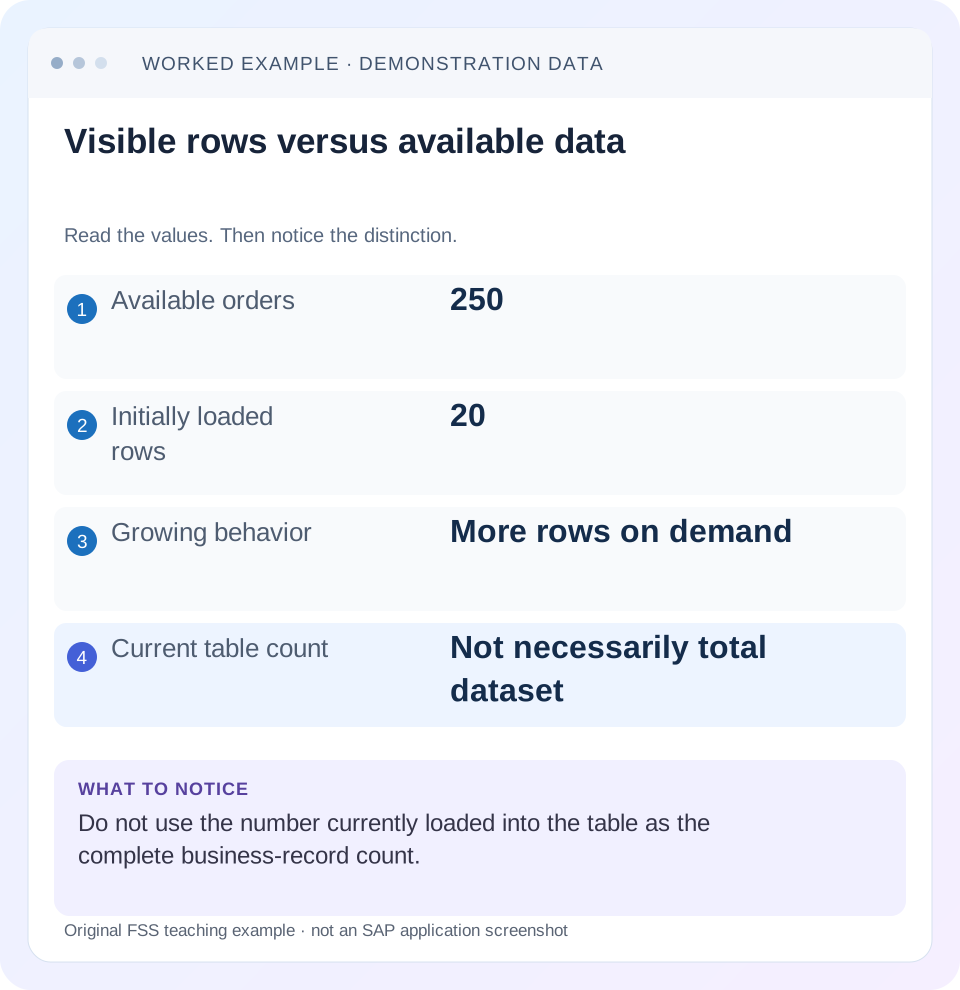
Read the example values
- Available orders
- 250
- Initially loaded rows
- 20
- Growing behavior
- More rows on demand
- Current table count
- Not necessarily total dataset
A REAL SCREEN TO RECOGNIZE
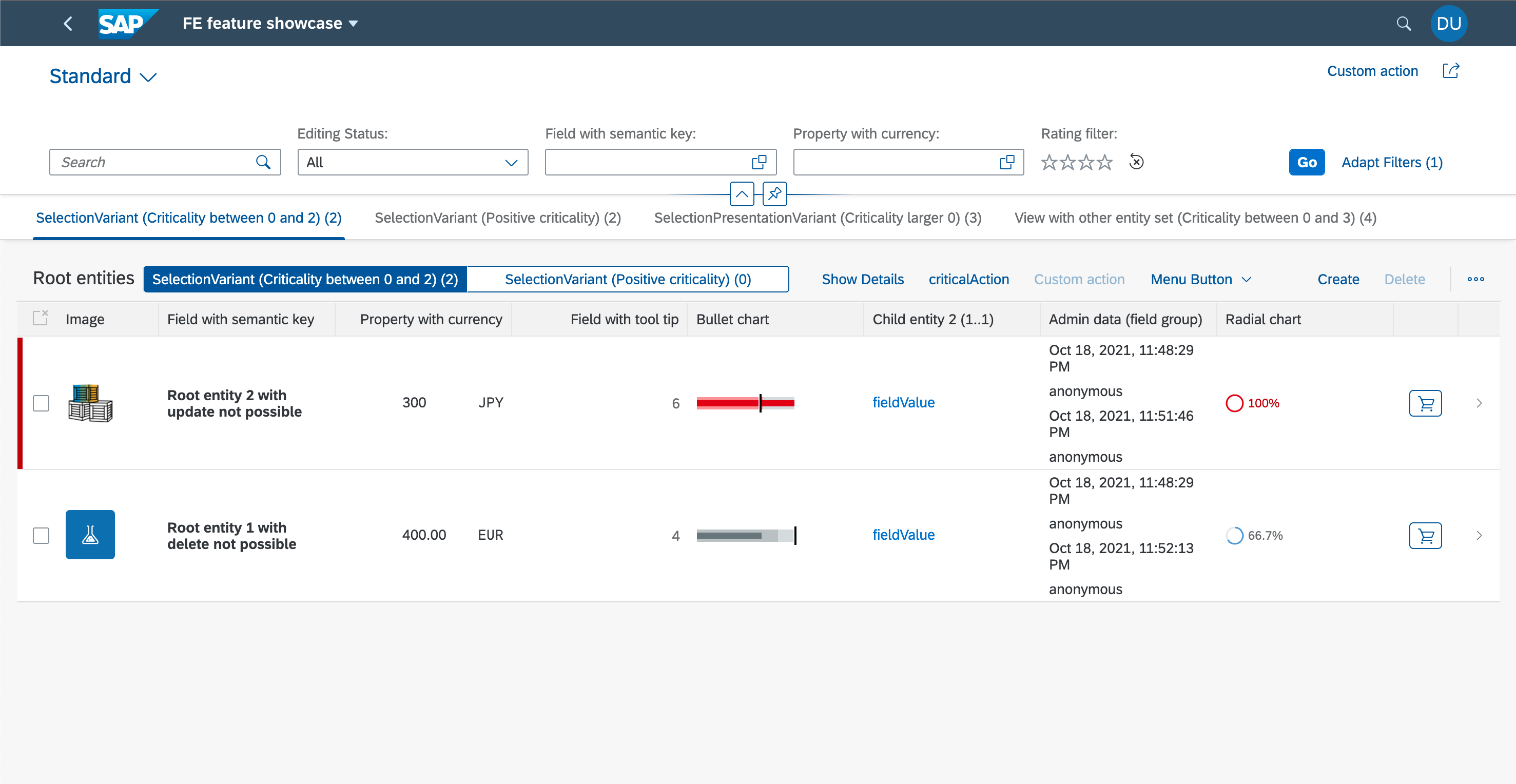
SAP’s Fiori elements feature showcase. The filter bar, table columns and row actions are distinct UI regions. Compare the region discussed in this guide with the corresponding service and metadata.
© 2021 SAP SE or an SAP affiliate company and project contributors. Apache-2.0. Reproduced unchanged for educational commentary. This is a source example, not a capture of your system.Words you’ll meet in this guide
- Binding
- A connection between a screen control and data.
- Metadata
- Information describing data or how it should be used.
- Service
- A software interface that provides data or operations.
- Backend
- The system or service that provides business processing behind the interface.
- OData
- A standard for reading and updating data through a web API.
- API
- A defined interface through which programs exchange data or request actions.
- XML
- A format that organizes data into named, nested elements.
Preview the practical steps
SEE THE CONNECTION
See it in a simple example.
A small example to make the idea concrete.
Avoid treating loaded orders as the whole plant backlog
A manufacturing worklist initially loads only part of an order collection, while a manager asks for the complete affected population.
A growing table contains a changing subset of the query
A growing sap.m.Table requests additional items as needed.
Scope the control and model before changing a threshold
The example is a read-only sap.m.Table with an OData list binding.
Worked fixture: 20 loaded orders out of 250
Create 250 authorized orders O001 through O250, each with an amount of 10 EUR.
Avoid treating loaded orders as the whole plant backlog
A manufacturing worklist initially loads only part of an order collection, while a manager asks for the complete affected population.
Distinguish loaded rows, server-side selection and total scope before calculating a backlog from the current table alone.
| Reader | Business question | Evidence to carry forward |
|---|---|---|
| SAP developers and application teams supporting manufacturers | Avoid treating loaded orders as the whole plant backlog | Distinguish loaded rows, server-side selection and total scope before calculating a backlog from the current table alone. |
01 A growing table contains a changing subset of the query
A growing sap.m.Table requests additional items as needed. The controls currently present, the contexts cached in its model and the complete collection matching the service query are different scopes. Counting or summing the current items can be useful, but it cannot establish a complete business total unless completeness has been proved. [1]
The practical fix begins by defining the requested action: current loaded items, explicitly selected identities or every authorized record matching a filter. This tutorial uses a 250-order fixture to show how those scopes produce different counts and amounts, then explains how to verify growing behavior without sacrificing correct totals and exports.
02 Scope the control and model before changing a threshold
The example is a read-only sap.m.Table with an OData list binding. sap.m.Table and sap.m.List inherit growing support from sap.m.ListBase. sap.ui.table.Table has a different control/row virtualization contract; do not copy growing properties to it. Check the deployed UI5 version and the appropriate control API. [1] [2]
The cited growing guide and ListBase API include historical 1.38 behavior. They document limitations involving two-way binding and scroll-container placement. Treat those limits as a reason to verify the installed version and intended editing pattern, rather than enabling growing on any editable table. All counts and timings here are illustrative; no customer service or browser performance was measured.
03 Worked fixture: 20 loaded orders out of 250
Create 250 authorized orders O001 through O250, each with an amount of 10 EUR. Let a service filter for Open return O001 through O120. With a growing threshold of 20, the initial Open result contains 20 items worth 200 EUR. The complete filtered collection contains 120 orders worth 1,200 EUR. All orders total 2,500 EUR.
After loading a second chunk, 40 loaded orders total 400 EUR while the complete Open total remains 1,200 EUR. If the user selects O003 and O025 after they are available, that explicit selection totals 20 EUR. These are four valid results for four different questions; the defect arises when the UI labels one as another.
| Scope | Count | Amount EUR |
|---|---|---|
| All authorized fixture orders | 250 | 2,500 |
| Complete Open query | 120 | 1,200 |
| Initially loaded Open items | 20 | 200 |
| After one further grow | 40 | 400 |
| Explicit O003/O025 selection | 2 | 20 |
04 Configure growing as a loading interaction
The XML fragment sets growing explicitly and chooses a 20-item request threshold. The model and items template must already be configured, and the binding is intended for display. The trigger-based interaction is easier to inspect initially than scroll-to-load because each user action corresponds to a deliberate request for more data. [1] [2]
The threshold describes how many items the control requests from the model per grow. It is not a complete-result limit and does not guarantee a particular network response size under every service paging implementation. Follow the actual request/response and binding behavior if the backend imposes its own page size.
<Table id="ordersTable"
    items="{/Orders}"
    growing="true"
    growingThreshold="20"
    growingScrollToLoad="false"
    updateFinished=".onOrdersUpdateFinished">
  <items>
    <ColumnListItem>
      <cells><Text text="{OrderID}" /></cells>
    </ColumnListItem>
  </items>
</Table>
05 Observe completed updates without deriving a financial total
ListBase updateFinished reports update context, including actual/total information in the documented API. Its reason can distinguish growing from filtering or sorting. Use this as an observation point for loaded-state indicators and diagnostics. The historical getGrowingInfo API can return null when growing is disabled, which a generic monitoring handler must handle. [2]
A reported total is a count, not an amount aggregation. Its usefulness depends on what the model/service knows about the bound collection. An unknown or provisional count should not be displayed as a confidently complete total. Never multiply a record count by an average amount to synthesize an accounting total; the equal 10 EUR amounts are a teaching fixture, not a production assumption.
Place the following onOrdersUpdateFinished method inside the controller definition object, alongside its other methods, and connect it to the XML updateFinished handler. It is a method fragment rather than a standalone JavaScript program. Adapt the status-model update to the application instead of assuming this observation alone implements a user-facing total.
onOrdersUpdateFinished: function (oEvent) {
  var oObservation = {
    reason: oEvent.getParameter("reason"),
    loadedItems: oEvent.getParameter("actual"),
    reportedBoundCount: oEvent.getParameter("total")
  };
  // Feed a diagnostic/status model, with version-specific unknown-count handling.
  // Do not calculate the complete Open amount from loadedItems.
}
06 Choose the right implementation for totals and exports
For a complete Open total, use a supported backend aggregation or business query that receives the same filters and authorization context as the list. Define currency/unit grouping and rounding in that contract. The client requests 1,200 EUR for the fixture independently of whether 20, 40 or 120 order rows have been materialized.
For a complete export, use an export mechanism that traverses the intended query under the service's supported paging and consistency contract, or delegates that work to a backend process. State whether it represents query results at one time or a collection that can change while pages are read. A button labeled Export all Open orders must not silently export only the controls currently loaded.
07 Make selection scope explicit
An action on selected records should carry stable business identities from the selected contexts. Row positions are presentation state: a sort or filter can move O025 to another index. Define whether selection is retained across filtering and whether an all-results operation is supported at all. [2]
In the fixture, selecting two loaded rows is not the same operation as selecting all 120 Open orders. If the product offers an all-matching action, represent the query and any exceptions explicitly under a supported backend contract. The server must recheck eligibility and authorization at execution time. A retained UI selection does not prove the order remains Open after another user changes it.
08 Trace a single grow through request, response and identities
Start with a clean fixture query and known ordering. Record the first 20 identities and the actual paging options or continuation behavior used by the installed model. Activate the grow trigger once, then compare the new identities and the update event. An outer $batch response alone does not show which Orders read supplied the next chunk.
If the list repeats or skips orders, compare ordering stability, service paging and concurrent data changes before changing the UI threshold. If the network returns additional orders but the control does not show them, inspect binding errors and template/context handling. A correct count can conceal duplicate identities, so verify the identity set as well as its size.
09 Troubleshoot without loading the whole system
Retain a small reproducible dataset larger than the threshold. A 250-record fixture can reveal the same scope defect as a production collection without requesting every production order.
| Observation | What it suggests | Next evidence |
|---|---|---|
| Total rises after every grow | Loaded subset used as grand total | Compare aggregation scope and label |
| Export has only 20 rows | Control items used as export source | Export query/paging contract |
| Scroll reaches bottom; no request | Container/growing configuration | Relevant ListBase version and scroll host |
| Grow returns duplicate identities | Ordering/paging or data mutation | Inner requests and exact returned keys |
| Count known; amount absent | Count confused with aggregation | Supported amount query grouped by currency |
| Selection changes after sort | Positions stored instead of keys | Selected context identities |
| Editable growing view misbehaves | Unsupported binding/control combination | Installed control API limitations |
10 Verify correctness independently of scrolling
For the positive case, open the Open filter and request the complete total immediately: it should be 1,200 EUR before the user scrolls. Grow once and confirm the loaded sum becomes 400 EUR while the complete total remains 1,200 EUR. Export all Open orders and compare 120 unique identities, not just file row count.
For negative cases, use a filter matching nothing and verify zero results without a stale 1,200 EUR label. Test an unauthorized record through the supported backend contract so it cannot appear in totals or exports. For boundaries, use 19, 20 and 21 matches, then a service page size smaller than the UI threshold. Correct results must survive every loading pattern.
Include an identity-level export comparison before accepting a row-count match. A file with 120 lines can still contain O001 twice and omit O120. Compare its unique authorized OrderIDs with the expected Open set, then verify the amount grouping and total. Repeat without scrolling at all and after several grows: a complete-query export should produce the same defined result under the fixture, while an explicitly loaded-items export should accurately label its smaller scope.
11 Tune performance after establishing scope
Choose a threshold using the expected device, row complexity, payload size and interaction pattern. Twenty simple text rows and twenty rows with many controls can have different costs. SAP performance guidance recommends selective/lazy data loading and a backend designed to return chunks. Measure the intended scenario rather than assuming a larger threshold is always faster. [3]
Turning off growing to make a local sum look complete can transfer a business calculation into browser memory and rendering cost. Keep the aggregate contract separate, then adjust loading for usability. If the service count or aggregation is expensive, investigate its query and timing independently; rendering all 250 orders does not explain why a count query is slow.
12 Frequently asked questions
Does getItems().length give the total orders? It gives the current items aggregation, whose scope is the control's loaded state. It is not proof of complete query results.
Can I set a huge threshold for exports? That couples a business operation to interactive rendering and device limits. Use a complete export contract and verify all identities.
Is a reported total enough for an amount? No. A count and an amount answer different questions, and currency/unit semantics still matter.
Why test after sorting? It changes presentation order and can expose unstable paging or selection stored by index.
What should the handover state? Control/model versions, binding/query scope, threshold, actual loaded identities, complete expected result and the contracts used for totals, selection and export.
Related services and next steps
Primary sources
Found this useful?
Share this guide with your network, or leave a like.
Your like is saved in this browser.