SAPUI5 field stays empty? Trace the relative binding context
A manufacturer's application shows the selected order but leaves a related field blank because its relative binding may resolve in another context.

Source review:
START HERE · NO PRIOR TOPIC KNOWLEDGE NEEDED
What it is. Why it matters.
A binding connects an interface control to data. A relative binding starts from an assigned context, like looking for a room number within a particular building.
Completely new to SAP?
Manufacturers use SAP to connect work such as buying components, recording inventory, planning production, shipping equipment and accounting for costs. SAP S/4HANA is an enterprise resource planning system: it connects these activities through shared business data.
SAP Fiori is SAP’s design approach for business applications. SAPUI5 is a user-interface toolkit, and Fiori elements uses metadata to generate common application patterns.
A transaction code, or t-code, is a shortcut to a task in classic SAP GUI. Fiori apps provide another way to work. Names and screens depend on the product and release; you do not need a live system to learn the concepts in this guide.

Scope and source-review notes
Scope and evidence
Source review by FAST SAP SOLUTIONS® editorial. This badge describes our editorial review; it does not represent SAP certification or independent endorsement.
SAPUI5 absolute/relative binding paths with named JSONModel and element-context examples; OData paths and asynchronous binding APIs require model/version-specific documentation.
Primary documentation reviewed on 14 November 2026 using official indexed excerpts. Documentation review only; authored examples were not compiled or executed in an SAP system.
A MANUFACTURING EXAMPLE
Trace an empty component-order field
A relative field needs a parent
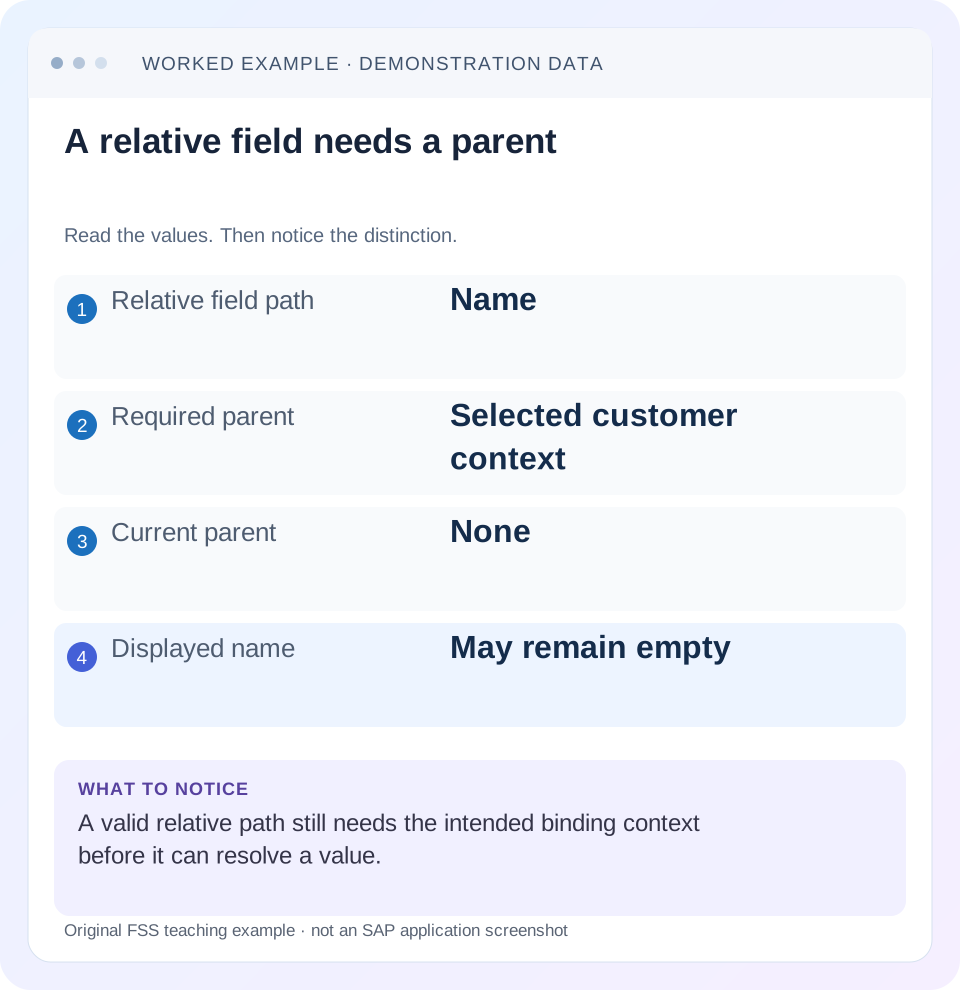
Read the example values
- Relative field path
- Name
- Required parent
- Selected customer context
- Current parent
- None
- Displayed name
- May remain empty
A REAL SCREEN TO RECOGNIZE
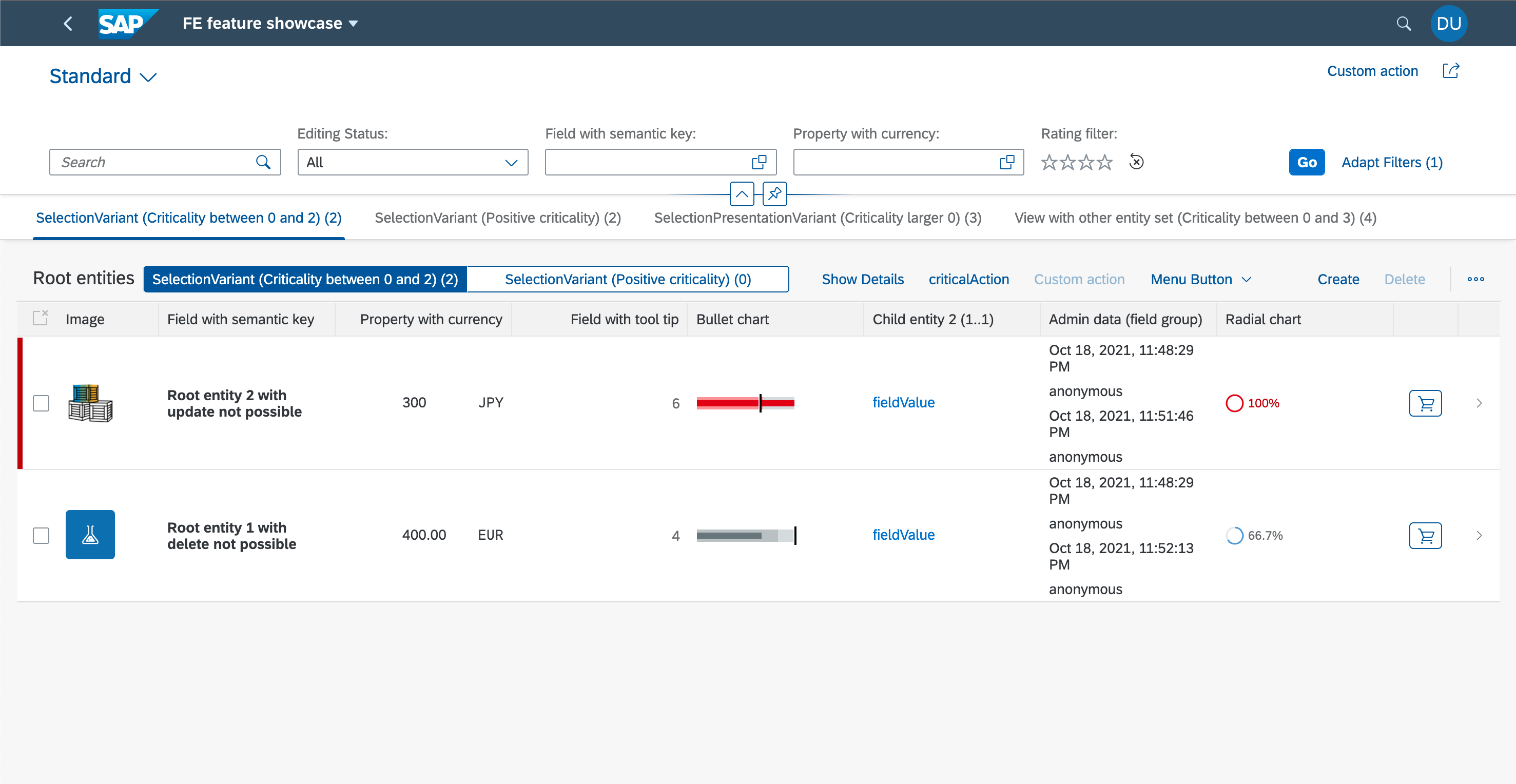
SAP’s Fiori elements feature showcase. The filter bar, table columns and row actions are distinct UI regions. Compare the region discussed in this guide with the corresponding service and metadata.
© 2021 SAP SE or an SAP affiliate company and project contributors. Apache-2.0. Reproduced unchanged for educational commentary. This is a source example, not a capture of your system.Words you’ll meet in this guide
- Binding
- A connection between a screen control and data.
- Metadata
- Information describing data or how it should be used.
- Service
- A software interface that provides data or operations.
- Backend
- The system or service that provides business processing behind the interface.
- OData
- A standard for reading and updating data through a web API.
- API
- A defined interface through which programs exchange data or request actions.
Preview the practical steps
SEE THE CONNECTION
See it in a simple example.
A small example to make the idea concrete.
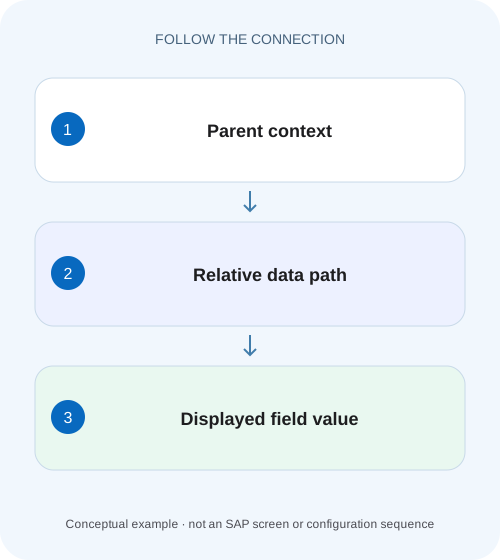
Trace an empty component-order field
A manufacturer's application shows the selected order but leaves a related field blank because its relative binding may resolve in another context.
Resolve the field against its model and current context
A relative SAPUI5 binding such as customerName needs a binding context for the same model.
Scope the example and prerequisites
The code assumes an existing UI5 view/controller and sap.ui.model.json.JSONModel imported as JSONModel.
Worked data: two orders and an unrelated default model
The named orders model contains O100 for Northwind and O200 for Alpine.
Trace an empty component-order field
A manufacturer's application shows the selected order but leaves a related field blank because its relative binding may resolve in another context.
Follow the model name, row context and binding path before treating a blank control as missing business data.
| Reader | Business question | Evidence to carry forward |
|---|---|---|
| SAP developers and application teams supporting manufacturers | Trace an empty component-order field | Follow the model name, row context and binding path before treating a blank control as missing business data. |
01 Resolve the field against its model and current context
A relative SAPUI5 binding such as customerName needs a binding context for the same model. It is resolved beneath that context; it does not search the entire model for a matching property. If a table row shows a name while a detail panel is empty, compare the model instance, model name and context of the two controls before changing the data. [1] [2]
The reliable fix explains the resolved path and how selection/navigation assigns it. This tutorial uses two JSON-model orders to show absolute versus relative paths, named-model propagation and record switching, including the stale-state failures that a successful first screenshot can hide.
02 Scope the example and prerequisites
The code assumes an existing UI5 view/controller and sap.ui.model.json.JSONModel imported as JSONModel. JSON paths in the example are not OData key predicates. An OData context can trigger reads through its model-specific binding lifecycle, whereas a JSONModel normally exposes client-side data already placed in the model. Check the deployed version for the APIs used. [2] [3]
Inspect the control's public binding/model/context APIs in development tools. Keep sensitive business data out of shared screenshots and logs. The illustrative fixture is intentionally small enough to resolve by hand; no SAP backend, router or browser execution is claimed. The same reasoning applies when a larger application supplies its context through routing rather than direct selection.
03 Worked data: two orders and an unrelated default model
The named orders model contains O100 for Northwind and O200 for Alpine. A separate default model contains customerName=Default placeholder. The detail panel should follow the selected order in the orders model. Its label must show Northwind for O100 and Alpine for O200; the default model's placeholder is deliberately a trap.
When the panel's orders context is /orders/0, orders>customerName resolves to /orders/0/customerName in that named model. Switching its context to /orders/1 resolves the same relative binding to Alpine. The property binding itself need not be rewritten for every selection.
| Binding expression | Context for targeted model | Expected result |
|---|---|---|
| {orders>customerName} | /orders/0 | Northwind |
| {orders>customerName} | /orders/1 | Alpine |
| {orders>customerName} | No orders context | Unresolved relative value |
| {orders>/orders/0/customerName} | Any context | Northwind; fixed absolute record |
| {/customerName} | Default model root | Default placeholder |
this.getView().setModel(new JSONModel({
  orders: [
    { orderID: "O100", customerName: "Northwind", quantity: 10 },
    { orderID: "O200", customerName: "Alpine", quantity: 20 }
  ]
}), "orders");
this.getView().setModel(new JSONModel({
  customerName: "Default placeholder"
}));
04 Give the detail panel a named element binding
A context binding, also called an element binding, creates a context that child property and aggregation bindings can resolve against. Bind the detail panel to /orders/0 in the orders model, then use relative child paths with the same model name. This keeps the panel reusable for another order. [3]
The code fragment is one initialization approach. In a real selection flow, derive the selected path/context from the selected item rather than hardcoding index zero. Adding a leading slash to every child path can make the first record display, but it removes the intended dependency on the parent's selected context and breaks record switching.
Controller:
this.byId("orderDetails").bindElement({
  path: "/orders/0",
  model: "orders"
});

View fragment:
<VBox id="orderDetails">
  <Title text="{orders>orderID}" />
  <Text text="{orders>customerName}" />
  <Text text="{orders>quantity}" />
</VBox>
05 Alternatively, pass the selected item’s existing context
If the selected table/list item already has the correct orders binding context, assign that context to the detail panel under the same model name. The fragment below is an alternative to owning an element binding on the panel; choose one clear context-ownership strategy rather than mixing independent owners that can overwrite each other.
Obtain the item from the relevant event API for the actual control. A child button can inherit the row context, while a toolbar button outside the row may not. Inspect the context's path and associated model rather than deriving a record from the button's global ID or the displayed row index.
var oContext = oSelectedItem.getBindingContext("orders");
if (oContext) {
  this.byId("orderDetails").setBindingContext(oContext, "orders");
}
// Model and context name must match {orders>customerName}.
// Define an explicit no-selection state when no context is available.
06 Check propagation and child overrides
Models and contexts propagate through the control hierarchy, but an explicit child model/context or element binding can change what that child resolves. If one field remains Northwind while its siblings show Alpine, inspect that field and its ancestors for a local override or absolute path. Rebinding the whole view can hide the symptom without explaining it. [1] [3]
A default-model context does not supply a named-model binding's missing context. Likewise, two model instances with identical data are still distinct state owners. Record both the model name and instance when debugging nested components or reused fragments. A field that resolves against an old model copy can look correct until another record is selected.
07 Distinguish missing context from missing data
A control can have a valid /orders/1 context while customerName is absent or misspelled in that object. Conversely, the property can exist in the model while the control has no context. Inspect these as two separate questions: what path does the binding resolve to, and does that path currently contain data? [2]
Use the model's supported getProperty inspection with the actual path/context to compare with the UI. For an asynchronously populated JSON model, establish loading, success, empty and failure states. An initial undefined value before loading completes does not by itself prove a bad path. A permanent unresolved value after loading does require investigation.
08 Make record switching safe when data arrives asynchronously
Suppose O100 is selected, its request starts, then the user selects O200 and that response arrives first. A late O100 response must not silently repopulate a detail panel labeled O200. Keep the selected business identity and the data-loading lifecycle aligned; cancel obsolete work or check the current selection before accepting a response, using the application's supported request mechanism.
For an OData model, use its documented context-binding lifecycle rather than copying this JSON-loading pattern blindly. While a new record is loading, show an honest loading/empty state and prevent a Save command from using the previous record's context. A busy indicator alone is insufficient if action handlers still read a stale context.
09 Troubleshoot the resolved path rather than the visible text
Write one concrete resolution statement: orders>customerName + /orders/1 + the intended orders model = /orders/1/customerName = Alpine. If any part differs at runtime, follow that boundary.
| Observation | Likely cause | Check |
|---|---|---|
| Table row works; detail empty | Detail lacks named context | getBindingContext for orders |
| Default placeholder appears | Missing named-model prefix | Binding info and model name |
| Always shows O100 data | Absolute child path or fixed context | Leading slash and panel ownership |
| One field ignores switching | Child context/model override | Field and ancestor bindings |
| Context right; property empty | Wrong key or data not loaded | Resolved model path and response |
| Wrong record after rapid switching | Out-of-order loading or copied state | Selected ID and response ownership |
| Toolbar action has no row context | Control outside item hierarchy | Explicit selected item/context |
10 Verify selection, empty states and identity-sensitive edits
For the positive case, select O100, then O200, then O100 again. Verify both orderID and customerName, not merely the presence of a nonempty label. The relative binding should stay constant while its parent context changes. If editing is enabled, inspect that any update targets the selected record's model path.
For negative cases, remove the panel context and observe the defined no-selection state; deliberately misspell customerName in a fixture and distinguish missing data from missing context. For boundaries, test an empty orders array, a missing record route and rapid switching under delayed responses. Ensure no action applies O100's quantity change while O200 is displayed. These are proposed checks, not execution results.
Inspect record identity after a model refresh that reverses the JSON array. If O200 moves from /orders/1 to /orders/0, a retained numeric index can now point to O100. Re-resolve the selected business key under the application's chosen strategy and verify the detail title and any edit target agree. This is a different boundary from ordinary selection switching: the user did not change selection, but the underlying positional path changed.
11 Preserve one clear source of record state
Avoid copying customerName into another local object merely to make the label work. That duplication adds a synchronization obligation whenever the selection or backend value changes. A separate edit buffer can be valid, but its ownership, initialization, cancellation and persistence mapping must be explicit rather than an accidental workaround for a relative binding.
Record business identity separately from JSON array position. Index one means the current second element, not a permanent identity for O200. If a refresh replaces or reorders the array, re-resolve the selected order by key under the application's model strategy. This matters especially for detail panels kept open while a master list is filtered or refreshed.
12 Frequently asked questions
Does adding a slash fix a relative binding? It changes it into an absolute path. That can bypass the intended selection and should be a deliberate design choice.
Why does the same Name binding work in a row? Aggregation binding gives each item a context. The detail panel may not have one.
Can the default context resolve a named-model field? The binding needs context/data from the model it targets; check the matching model name.
Is an empty label always an error? It can be a legitimate empty value, a loading state or no selection. Define those states and inspect the resolved path.
What proves the repair? A documented model/path/context chain and successful switching, empty and asynchronous cases without stale identities.
Related services and next steps
Primary sources
Found this useful?
Share this guide with your network, or leave a like.
Your like is saved in this browser.