SAPUI5 OData V2 filtering: Check the binding and request before the table
A manufacturer's worklist appears filtered on screen, but its developer needs to confirm the selected business predicates reached the OData request.

Source review:
START HERE · NO PRIOR TOPIC KNOWLEDGE NEEDED
What it is. Why it matters.
A SAPUI5 table is connected to data through a binding. A filter must reach the intended OData V2 request or supported client processing before the displayed rows can change correctly.
Completely new to SAP?
Manufacturers use SAP to connect work such as buying components, recording inventory, planning production, shipping equipment and accounting for costs. SAP S/4HANA is an enterprise resource planning system: it connects these activities through shared business data.
SAP Fiori is SAP’s design approach for business applications. SAPUI5 is a user-interface toolkit, and Fiori elements uses metadata to generate common application patterns.
A transaction code, or t-code, is a shortcut to a task in classic SAP GUI. Fiori apps provide another way to work. Names and screens depend on the product and release; you do not need a live system to learn the concepts in this guide.

Scope and source-review notes
Scope and evidence
Source review by FAST SAP SOLUTIONS® editorial. This badge describes our editorial review; it does not represent SAP certification or independent endorsement.
SAPUI5 OData V2 list filtering using historical 1.38 guide/API references; confirm corresponding APIs and operation/count-mode behavior in the deployed runtime.
Primary documentation reviewed on 14 November 2026 using official indexed excerpts. Documentation review only; authored examples were not compiled or executed in an SAP system.
A MANUFACTURING EXAMPLE
Verify the plant purchasing filter reaches the service
Did the filter reach the data request?
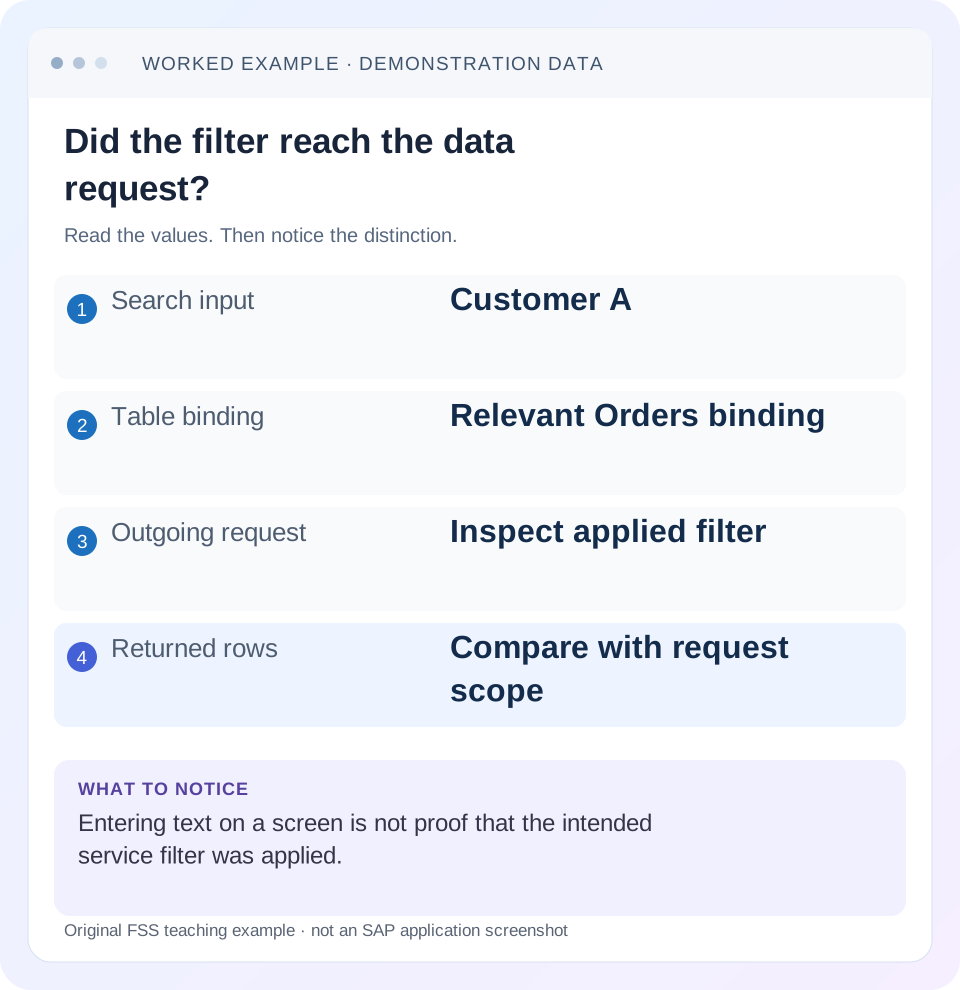
Read the example values
- Search input
- Customer A
- Table binding
- Relevant Orders binding
- Outgoing request
- Inspect applied filter
- Returned rows
- Compare with request scope
A REAL SCREEN TO RECOGNIZE
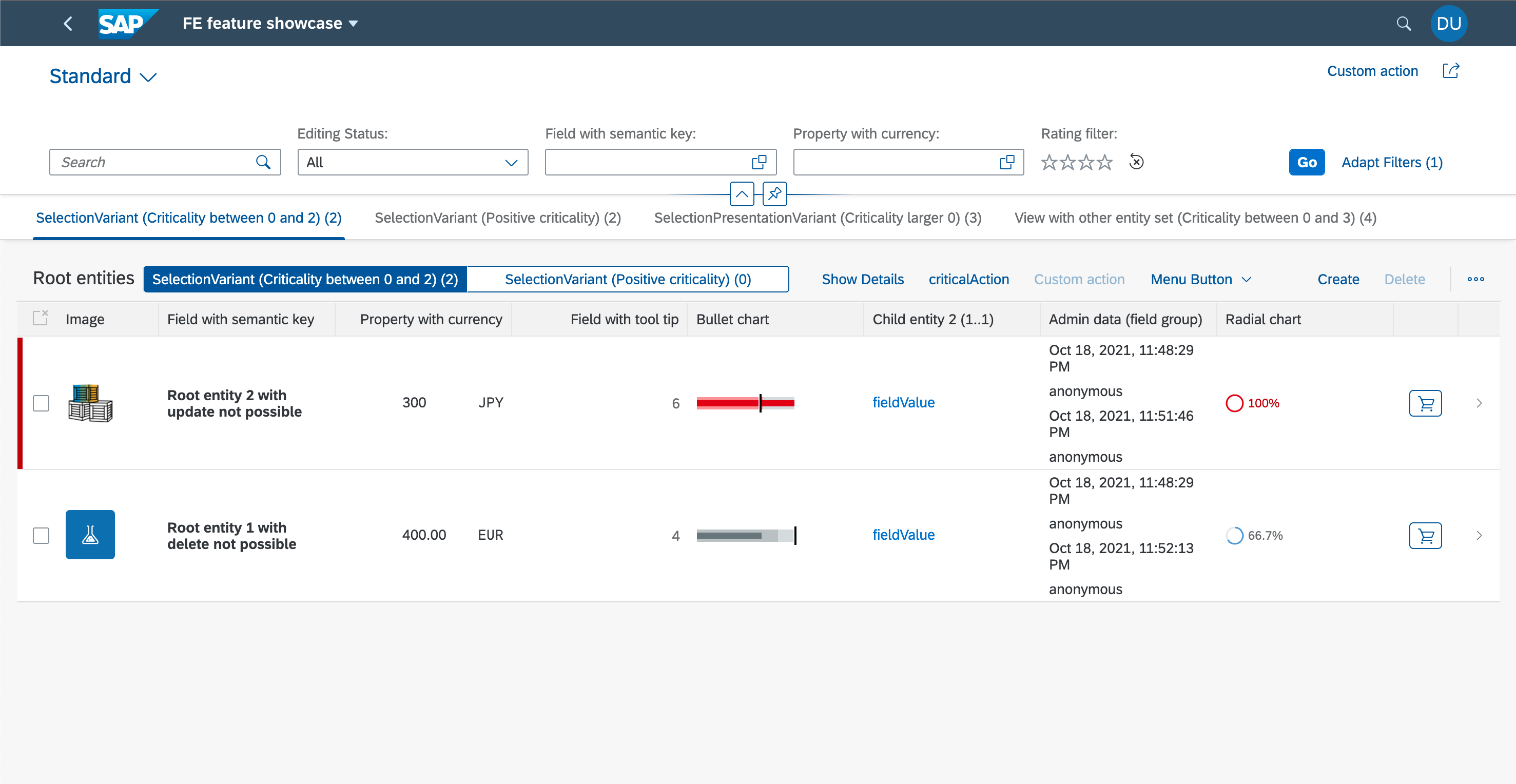
SAP’s Fiori elements feature showcase. The filter bar, table columns and row actions are distinct UI regions. Compare the region discussed in this guide with the corresponding service and metadata.
© 2021 SAP SE or an SAP affiliate company and project contributors. Apache-2.0. Reproduced unchanged for educational commentary. This is a source example, not a capture of your system.Words you’ll meet in this guide
- Binding
- A connection between a screen control and data.
- Metadata
- Information describing data or how it should be used.
- Service
- A software interface that provides data or operations.
- Backend
- The system or service that provides business processing behind the interface.
- OData
- A standard for reading and updating data through a web API.
- API
- A defined interface through which programs exchange data or request actions.
Preview the practical steps
SEE THE CONNECTION
See it in a simple example.
A small example to make the idea concrete.
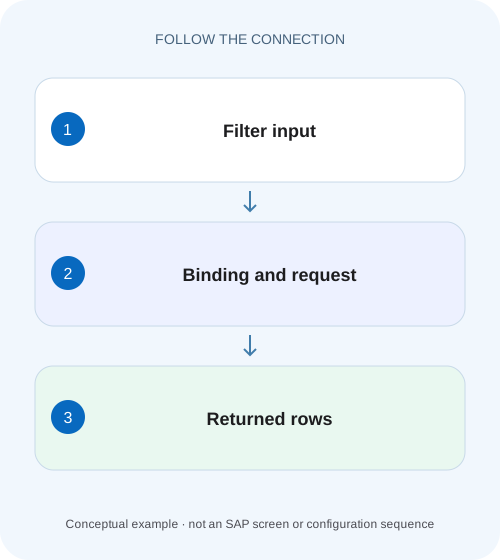
Verify the plant purchasing filter reaches the service
A manufacturer's worklist appears filtered on screen, but its developer needs to confirm the selected business predicates reached the OData request.
Prove where the filter runs and what it returns
For a SAPUI5 OData V2 table, inspect the list binding that supplies the rows, its operation mode and the actual request or client result.
Identify the model, binding and deployed UI5 version
This example targets sap.ui.model.odata.v2.ODataModel and an Orders list binding.
Worked fixture: two predicates and three expected orders
Use an authorized test service with the illustrative rows below.
Verify the plant purchasing filter reaches the service
A manufacturer's worklist appears filtered on screen, but its developer needs to confirm the selected business predicates reached the OData request.
Compare binding configuration, actual request and returned identities before treating visible rows as the full filtered result.
| Reader | Business question | Evidence to carry forward |
|---|---|---|
| SAP developers and application teams supporting manufacturers | Verify the plant purchasing filter reaches the service | Compare binding configuration, actual request and returned identities before treating visible rows as the full filtered result. |
01 Prove where the filter runs and what it returns
For a SAPUI5 OData V2 table, inspect the list binding that supplies the rows, its operation mode and the actual request or client result. A search field containing Customer A does not prove that the service received a CustomerID predicate. Conversely, no new request can be correct when the binding intentionally filters a complete client collection. [1] [2]
The useful investigation follows input → filter object → binding → request → response → displayed identities. This tutorial builds that chain with a small orders fixture and separates request construction errors from backend filtering and stale UI state. It does not treat a browser's currently loaded rows as the service's full dataset.
02 Identify the model, binding and deployed UI5 version
This example targets sap.ui.model.odata.v2.ODataModel and an Orders list binding. The linked guide/API are historical SAPUI5 1.38 references. Check equivalent APIs and behavior in the deployed runtime before applying the code. The legacy sap.ui.model.odata.ODataModel and OData V4 model have different contracts; a variable named oModel does not establish which one is installed. [1] [3]
In a responsive sap.m.Table, inspect its items binding; another table can use a rows aggregation. Record the model name as well as the binding path. Calling filter on a similarly named list or on the wrong named model can leave the visible table unchanged while another control quietly updates. Establish the control identity before changing service code.
03 Worked fixture: two predicates and three expected orders
Use an authorized test service with the illustrative rows below. The requirement is CustomerID A and Status Open, regardless of which page was initially displayed. The expected identities are O101, O104 and O106. Their amounts sum to 140 EUR, but the filter check compares identities rather than using a coincidentally equal count or total.
Suppose the first unfiltered page contains O101 and O102. Filtering only that downloaded array finds O101 and misses two valid matches. That result says nothing about whether O104 exists on the server. A correct server filter evaluates the service collection before paging its filtered results.
| OrderID | CustomerID | Status | Amount EUR |
|---|---|---|---|
| O101 | A | Open | 40 |
| O102 | B | Open | 20 |
| O103 | A | Closed | 30 |
| O104 | A | Open | 60 |
| O105 | B | Closed | 50 |
| O106 | A | Open | 40 |
04 Build a typed filter tree on the intended binding
The illustrative handler uses imported UI5 modules Filter, FilterOperator and FilterType. It gets the Orders table's items binding and applies two equality predicates as an explicit AND group. This makes the business expression readable and avoids depending on the historical API's implicit grouping rules for arrays of filters. [3]
Use property names and value types from the service metadata. CustomerID is a string in this fixture. A display label such as Customer A is not automatically its key A. Do not construct an OData URL by concatenating raw user text; the binding's supported Filter representation handles protocol serialization for the installed model.
// Imports: sap/ui/model/Filter, sap/ui/model/FilterOperator,
// sap/ui/model/FilterType
var oBinding = this.byId("ordersTable").getBinding("items");
var oBusinessFilter = new Filter({
  filters: [
    new Filter("CustomerID", FilterOperator.EQ, "A"),
    new Filter("Status", FilterOperator.EQ, "Open")
  ],
  and: true
});
oBinding.filter([oBusinessFilter], FilterType.Application);
// Clear this application filter with:
// oBinding.filter([], FilterType.Application);
05 Choose operation mode deliberately
In the documented Server mode, filtering and sorting produce corresponding service query options and changing them triggers a new request. Client mode fetches the complete collection and evaluates these operations locally. It is appropriate only when that complete collection is genuinely available and its size and behavior suit the application. [2]
Auto mode chooses behavior using the binding threshold and count mode. The historical API describes separate count-request and inline-count paths, and explicitly excludes Auto with CountMode.None. An initial Auto request can omit filters while assessing collection size, followed by a filtered request if the server path is selected. Therefore diagnose the sequence, not one early request in isolation. [2]
06 Inspect the inner request and its decoded predicate
Open browser developer tools, preserve the network log and reproduce one filter change. If the model uses batching, open the relevant $batch request and locate the inner Orders GET. An outer batch URL has no reason to show the Orders filter. Identify the inner request by entity set and timing, especially when value helps issue parallel reads. [1]
For the fixture, the decoded server predicate should express CustomerID eq 'A' and Status eq 'Open'. Its exact parentheses and URL encoding can vary. Read $skip, $top and ordering as separate query concerns. A successful filtered response can contain only the first page of the three matches; it need not contain all three in the first payload.
GET Orders?$filter=CustomerID eq 'A' and Status eq 'Open'&$orderby=OrderID&$skip=0&$top=2

Expected first page: O101, O104
Expected next page:  O106
07 Separate request construction from service evaluation
If the outgoing predicate is absent or wrong in confirmed Server mode, inspect the handler, binding identity, filter tree and later code that replaces filters. If the request is right but the response contains B or Closed records, compare a controlled direct service read with the same parameters and authorization context. The service implementation or route now deserves attention.
If the response is correct but the table is wrong, inspect the binding path/model, response timing and any copied JSON data that bypasses the live binding. A later unfiltered rebind can overwrite the intended result. Keep the actual request-response pair together; a screenshot of an input and a screenshot of a different request cannot establish this chain.
08 Combine filters without silently changing their ownership
Application filters and filters managed by a control can have separate filter types. Define which code owns the customer/status requirement and which control owns column filtering. Applying an application filter does not mean a user column filter has disappeared. Read the resulting service expression when both are present rather than assuming the visible search field is the sole constraint. [3]
For an OR requirement such as customer A or B, build an explicit OR group and combine that group with Status Open using AND. Test parentheses with a Closed A row and an Open B row. O103 must still be excluded. This catches the common accidental expression Customer A OR (Customer B AND Open), which returns too many rows.
09 Troubleshoot by the first broken link
Keep the investigation specific to the observation. Increasing a growing threshold cannot repair an absent predicate, and refreshing metadata cannot fix an equality test against the wrong customer key.
| Observation | Likely boundary to inspect | Useful next check |
|---|---|---|
| No request after filter | Client mode, unchanged filter or wrong binding | Operation mode and control binding identity |
| Only outer $batch visible | Inner request not inspected | Orders GET inside multipart body |
| Predicate uses display label | UI value/key mapping | Metadata and selected customer key |
| Predicate right; response wrong | Service/query implementation or route | Same authorized direct read |
| Response right; table wrong | Binding/rebind or copied client state | Model/path and subsequent responses |
| Matches appear only after scrolling | Local subset used as full collection | Server query or complete client-mode loading |
| Clearing search leaves no rows | Another filter remains active | Application/control filters and final request |
10 Verify positive, negative and boundary outcomes
Start from the complete six-row fixture. With customer A and Open, verify O101/O104/O106 across all returned pages. Change customer to B and expect O102 only. Select an absent customer and expect zero rows without stale previous results. Clear the application filter and confirm the intended remaining control filters, rather than assuming all six must appear under every UI state.
Test a value containing an apostrophe through the Filter API against an authorized matching fixture; inspect protocol escaping rather than concatenating the raw value yourself. Repeat after sorting and after navigating away/back. For Auto mode, exercise collections on each side of the configured threshold and compare correctness even when the request strategy changes. These checks are proposed; no SAP service was executed here.
11 Keep filtering separate from authorization and full totals
A customer filter narrows a query for the current user; it is not an authorization rule. The service must still enforce access if the caller removes the filter or invokes the endpoint directly. Use a permitted fixture to verify application logic, and rely on the backend's authorization contract for security.
Similarly, a table containing two of three filtered matches cannot safely calculate the full filtered amount by summing its visible controls. For the worked case, the first filtered page totals 100 EUR while the complete match totals 140 EUR. Label page totals explicitly or request a supported complete aggregation. This distinction remains necessary even after the filter itself is correct.
12 Frequently asked questions
Why does typing not send a request? The handler may run only on search/confirm, the binding may use Client mode, or a different binding may be filtered. Observe the event and mode before diagnosing networking.
Can a custom JavaScript test function filter the server? The cited historical list-binding API supports a custom filter function only in Client operation mode. Use supported protocol operators for server filtering. [3]
Does $top=2 mean only two orders match? No. It limits a requested page; the complete filtered collection can contain more.
What belongs in a useful handover? UI5 version, model class/name, table aggregation/path, operation/count mode, intended filter tree, sanitized inner request and expected/actual record identities. That is enough to reproduce the defect without exporting a production customer list.
Related services and next steps
Primary sources
Found this useful?
Share this guide with your network, or leave a like.
Your like is saved in this browser.